
The Second-Screen Habit Around UK Cricket: How Phones Sit Beside the TV
 Available in US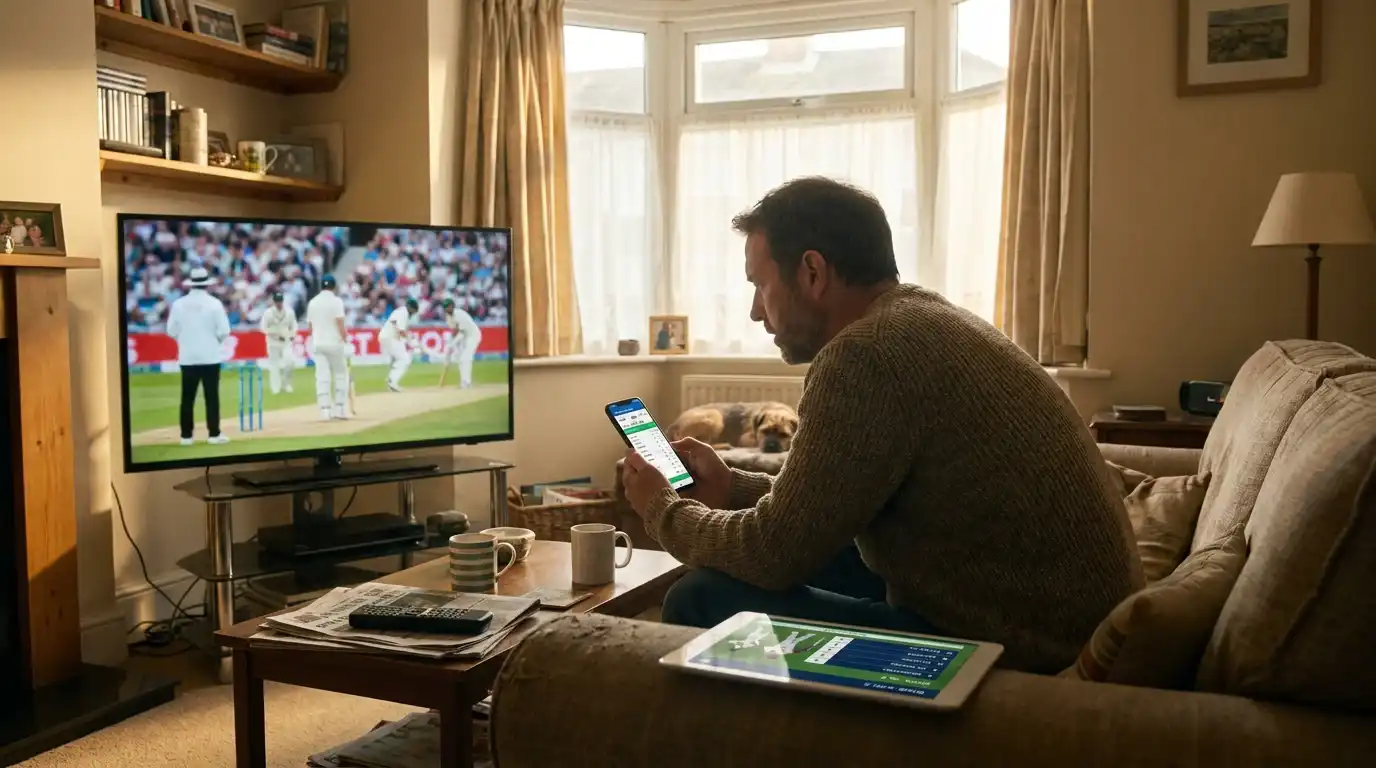
Two Screens, One Match: How UK Viewers Watch Cricket Now
Walk into any UK living room during an Ashes day and you will see the same set-up — the television on, the cricket on the big screen, and a phone propped against a mug or held in the lap. The phone has a scorecard app open, or social media running, or a fantasy team being managed, or a WhatsApp group conducting a slow rolling conversation about Jonny Bairstow’s footwork. The cricket is on the television. The cricket is also on the phone. The second-screen habit, which started as a curiosity around major football tournaments, has become the standard way to watch a Test or an ODI for a large slice of the UK cricket audience.
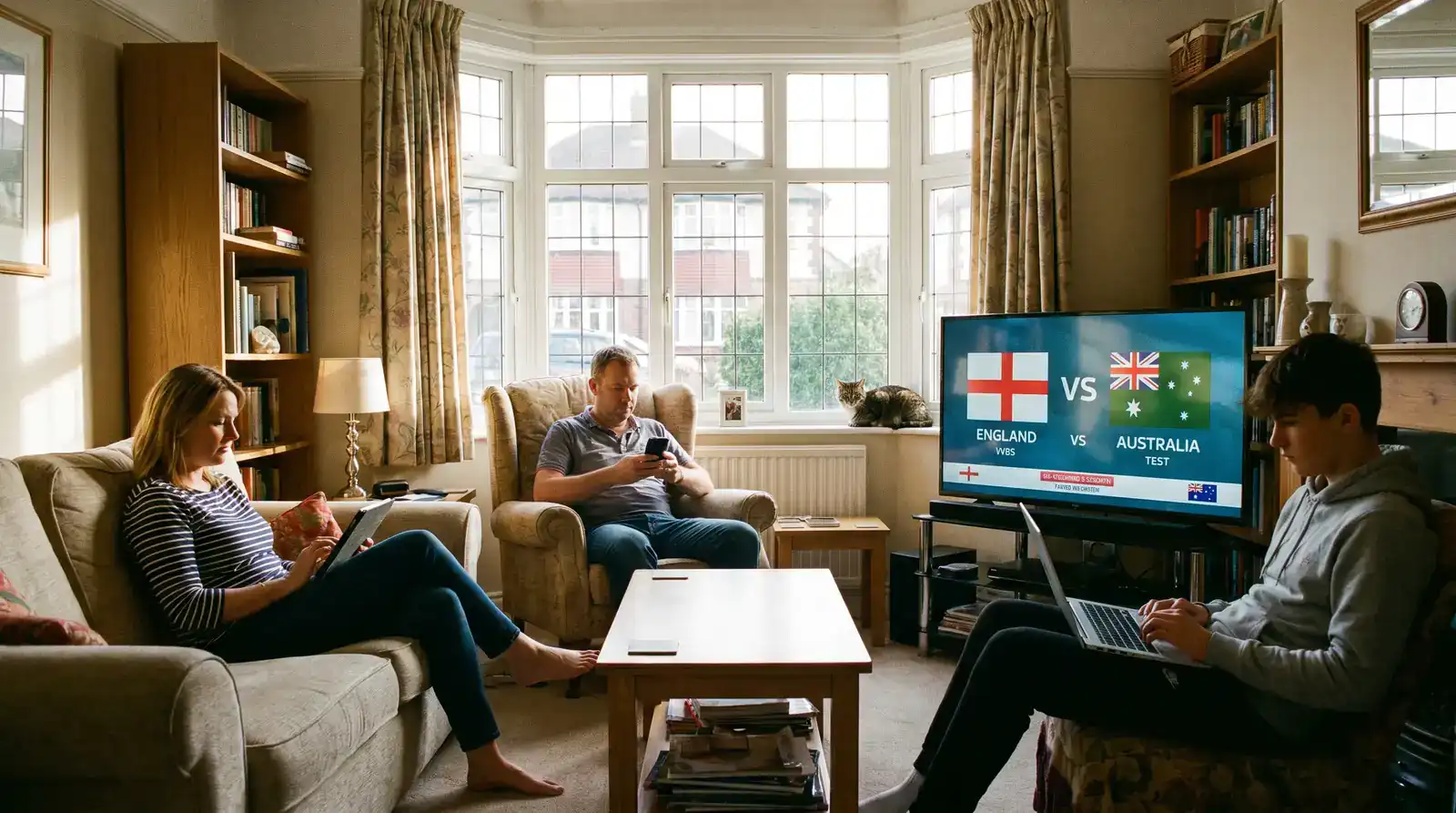
What follows is what the published data shows, what the typical UK cricket viewing stack looks like, and what to watch out for when phone and TV are running together.
The Ofcom Data Behind UK Second-Screen Behaviour
The most useful UK-specific data point on second-screen behaviour sits in the Ofcom Online Nation report. The 2025 edition found that around two thirds of UK adults regularly use their phone while watching television — a figure that has crept upwards across each annual report for the past five years. The figure is not cricket-specific, but it is the underlying behaviour that cricket sits on top of.
The phone activity, the Ofcom data shows, is dominated by messaging, social media, and search — with sport, news, and shopping as significant sub-categories. For sport specifically, the second-screen pattern is more concentrated around live broadcasts than around scripted content. People reach for the phone more during a live Test innings than during a drama or documentary, partly because the live event itself prompts looking things up — a player’s record, a previous similar dismissal, a scorecard for a parallel match.
The behaviour also varies by demographic in ways that matter for cricket. The Ofcom data shows that second-screen use is higher among under-45s than over-65s. Cricket has a notably older audience profile in the UK — over 40 per cent of cricket-interested adults are 65 or over — so the second-screen pattern is more concentrated among the younger half of the cricket fan base. The Hundred audience, with its 31 per cent share in the 18-44 bracket against 24 per cent for general cricket, is where the second-screen behaviour is most pronounced.
A Typical UK Cricket-Watching Stack
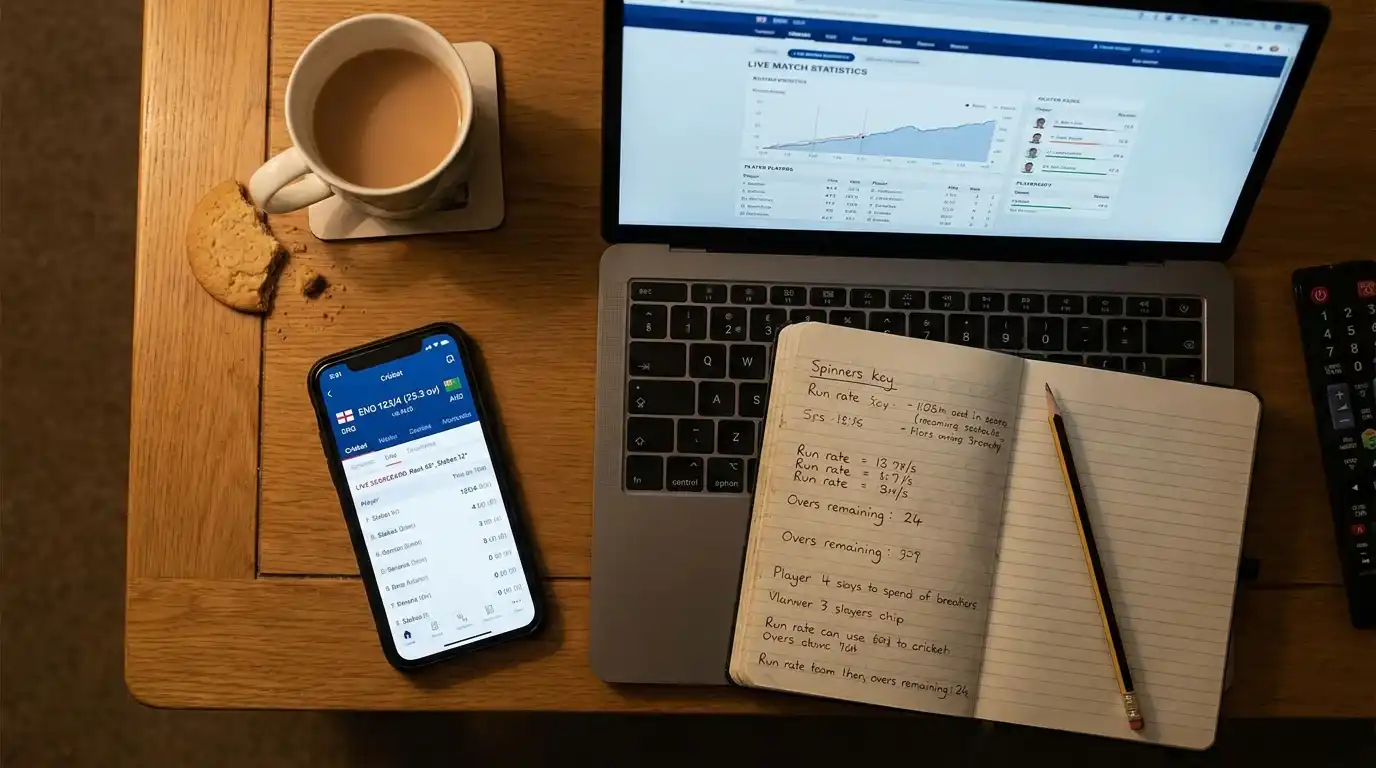
The combination of devices and apps used during a Test or ODI viewing session is fairly consistent across the UK audience I encounter. The TV carries the broadcast — Sky for Test cricket and most international content, BBC for parts of The Hundred coverage and the highlights packages, the various streaming services for archive and feature content. The phone or tablet carries the live ball-by-ball.
The dominant live ball-by-ball app in the UK is ESPNcricinfo, with Cricbuzz close behind. ESPNcricinfo has around 24 million Android installs globally and adds around 9,100 daily new installs. Cricbuzz has crossed the 100 million Android installs mark and is the dominant cricket app in raw download terms, with around 398 million monthly visits to its mobile and desktop properties combined. The two apps look fairly similar in their UK use — both run a live commentary feed, ball-by-ball, with the scorecard, the Manhattan and worm graphs, and a running running-rate display.
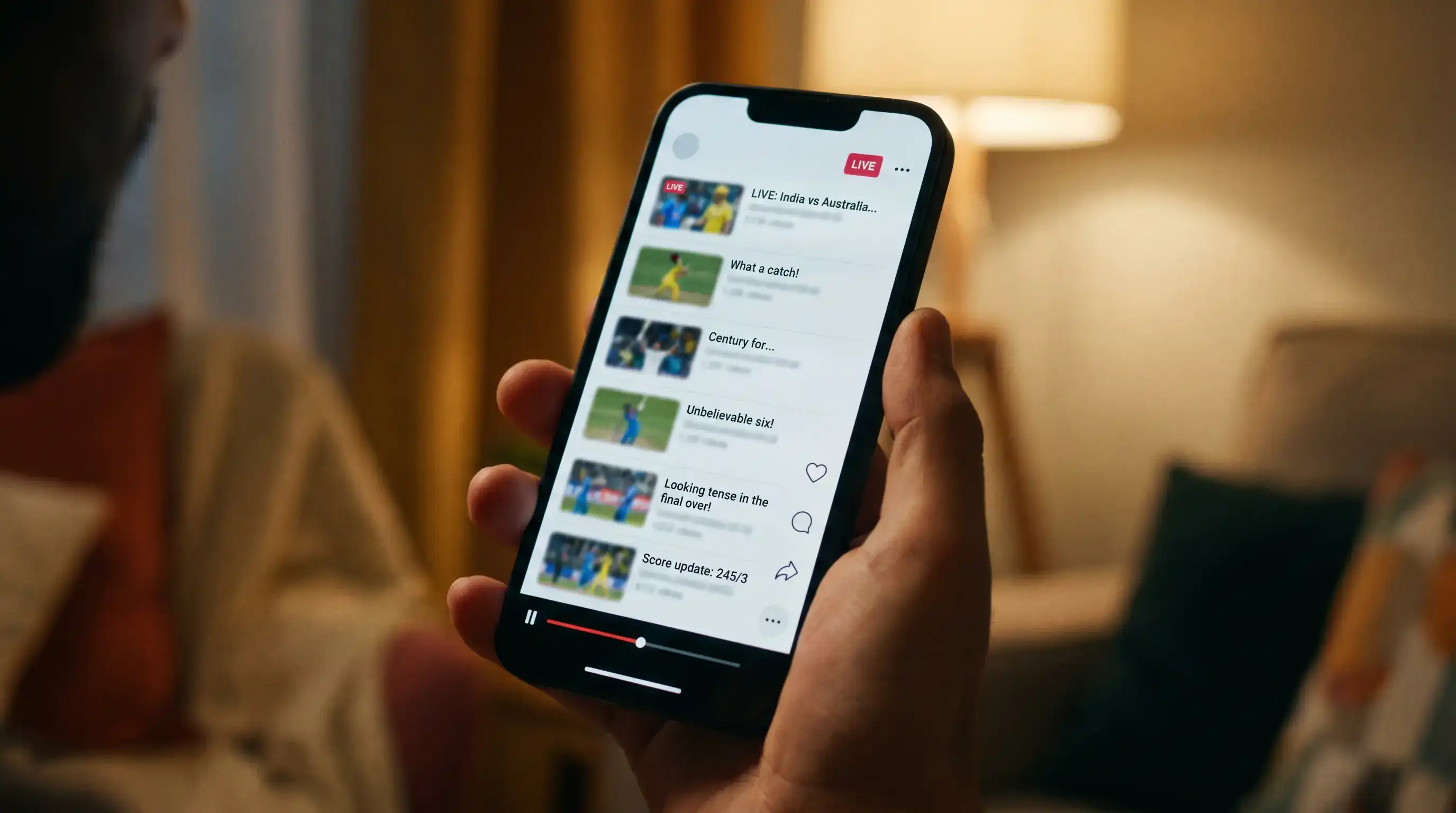
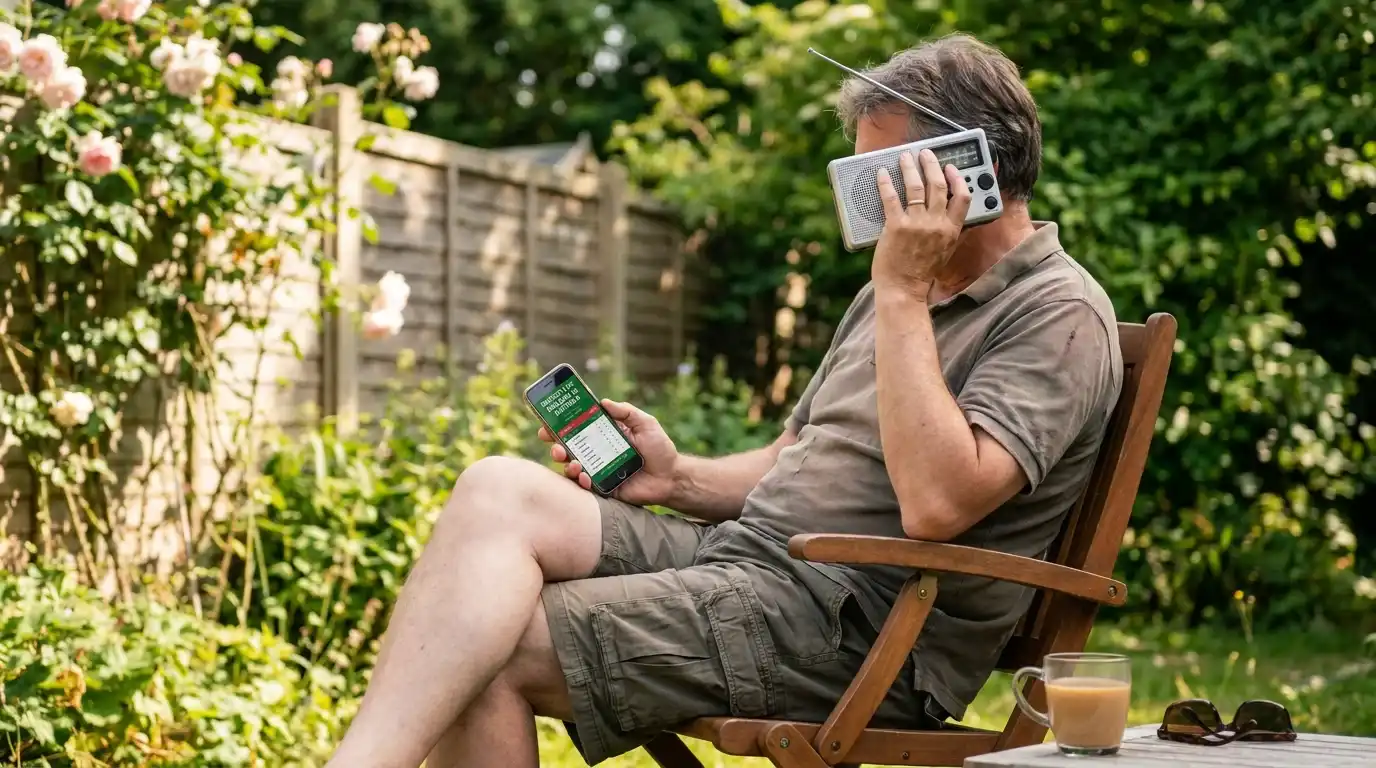
Beneath the scorecard app sits a layer of supplementary tools. Social media — Twitter or X for live reaction, Instagram for highlight clips, WhatsApp for the group chat. A separate tab or window for the radio commentary, often Test Match Special on BBC Sounds running in tandem with the TV picture for the simple reason that the radio commentary describes plays the TV does not. A fantasy cricket app for those running a Hundred or international fantasy team. A betting app for the smaller proportion of viewers who follow that route. The stack varies by viewer but the architecture of a primary TV picture with a phone-based scorecard and a third social-or-radio layer is consistent.
The Live Stats Layer Most Viewers Add
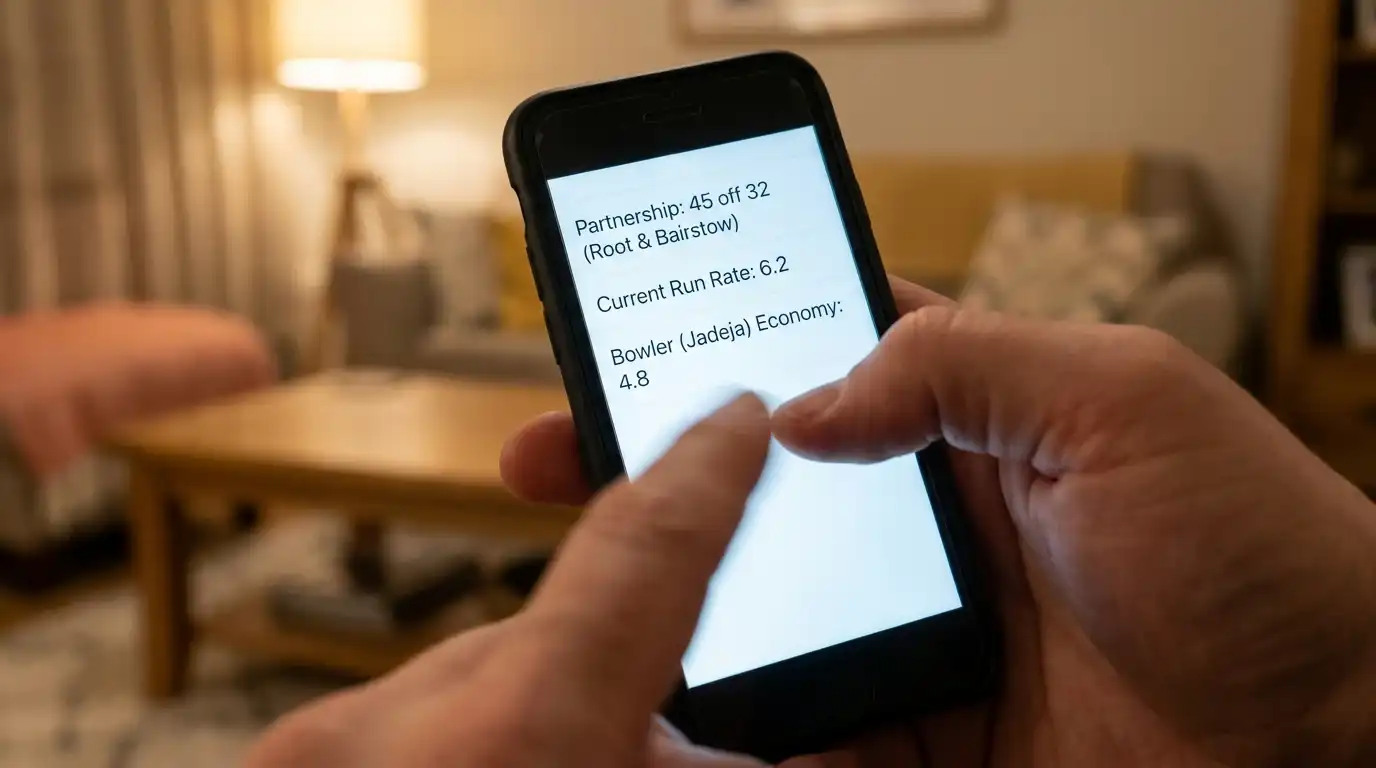
The reason the second screen has become such an entrenched habit around cricket — more so than around most other sports — is that cricket lends itself to looking things up. Cricket is a stats-dense sport, and the broadcast cannot cover everything. When Joe Root passes 13,000 Test runs, the TV picture shows the moment but the phone has the full breakdown — the strike rate against pace versus spin, the average since the previous milestone, the comparison with his contemporaries’ records at the same age. The phone is the encyclopedia that the TV cannot pause for.
The peak-load moments illustrate the depth of this habit globally. During a recent India-Pakistan match, Sports Tak’s YouTube stream peaked at 42,000 concurrent viewers, ESPNcricinfo’s live scoring page handled 17,000 concurrent users, and Cricbuzz’s web property registered around 1,900 concurrent visitors — and that is on top of the apps’ usual flow. The same kind of demand profile shows up around big UK matches, with the live scoring layer sitting alongside the TV broadcast as a permanent companion.
The other layer that has grown is the live-data widget. Embedded match centres on news sites pull the same underlying ball-by-ball feed and present it as an overlay or a dock alongside an article. The Manhattan and worm graphs, the wagon wheel diagrams showing where the batter has been scoring, the pitch map showing where the bowler has been landing it — these were broadcast graphics first, but they have migrated into the apps and the websites, and they are now part of what most second-screen viewers expect to have available.
Pitfalls: Spoilers, Latency and Battery Drain
The second-screen habit comes with a set of friction points that anyone who watches cricket this way will recognise.
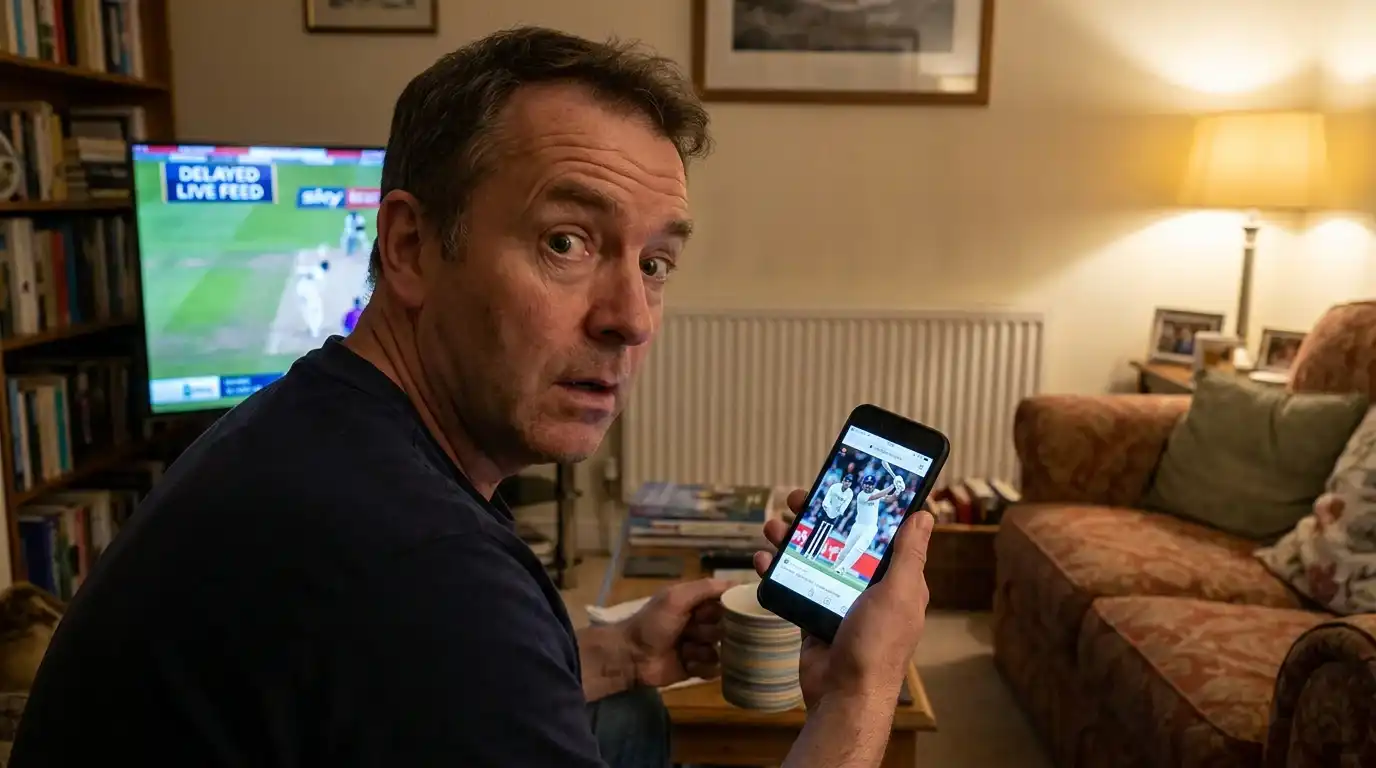
The first is spoilers from latency. The TV broadcast — particularly any stream — runs on a delay of anything from 15 seconds to 45 seconds behind the live action, depending on the broadcaster and the delivery path. The phone’s scorecard updates in close to real time. The result is that the phone often shows the next wicket or boundary before the TV catches up, which destroys the suspense of the next ball. Some viewers solve this by turning off live notifications during the broadcast. Some accept it as a small cost. Some actively use the phone as a preview — the scorecard tells them the next ball was a wicket, and they watch the TV to see how it happened.
The second is the latency between social media and the broadcast. Twitter, in particular, reacts to wickets in seconds. If a viewer’s feed includes anyone watching a faster stream or attending the ground, the phone will surface the news of a wicket before the TV shows the ball that produced it. The mitigation is muting cricket-related keywords during a live match, which most heavy second-screen users learn to do.
The third is battery and data. A four-hour ODI session with a phone running a live scorecard, social media, and a messaging app drains a phone battery substantially. The fourth, less talked about, is attention split. There is a real cost to splitting attention across two screens — passages of play missed, the rhythm of the innings lost, the moment when the phone took the eye and the off-stump went. Plenty of long-time cricket watchers have moved towards a hybrid where the phone goes face-down between overs, and only comes up at scheduled intervals. For a fuller picture of how the UK broadcast environment — Sky, BBC, radio, streaming — sits around this second-screen behaviour, the broader UK cricket broadcasting landscape piece is the next stop.
Published by the Stumply team.
